 INPUT
INPUTTHE RIFT V2 BUYER GUIDE
Why Rift V2 is the best NBA 2K27 script
Value Finder gives you a clearer way to find your timing. Button Tempo adds another shooting option. EmberZens Hub puts your script and installation in one place. Here is what that means before you buy.
A script built around your player
Rift’s script generator lets you customize settings to match your player build instead of using one preset for everyone. It is included in EmberZens Hub after purchase. Pair that personalized starting point with Value Finder’s guided shot tests, then save the settings that work in one of three Rift profiles. Your generator setup, saved timing and shooting mode belong together; a different jumper or game update can still call for retesting.
What actually changed in Rift V2?
The latest supplied Rift file includes Value Finder, separate Button and Rhythm Auto-Green timings, Button Tempo, and three saved profiles. The benefit is practical: test the setting you need without overwriting every other setup. The current product page lists 15 mods.
Why Value Finder matters when choosing a script
Copying somebody else's timing can be a starting point, but it is not the same as checking your own jumper. Value Finder guides a test and adjusts the next timing value using the result you enter. You finish with an explicit choice to save, test again, or keep your current setting.
What you get after checkout
Use the email from your purchase to open EmberZens Hub. Rift appears in My Scripts. On a supported desktop setup, connect your Zen, drag Rift into a slot, and choose Install on Zen. You are buying access to the script and its updates—not the Zen hardware or NBA 2K27.
How to compare without chasing a score
Check the current shooting options, the installation steps, support, and what happens when you change jumpers. The #1 recommendation stays Rift. That is an EmberZens editorial recommendation; the user comments below are individual experiences, not a head-to-head performance test.
YOUR SCRIPTS. ONE HOME.
Checkout to your Hub.
Hub to your Zen.
- Buy Rift once.Use an email you can access at checkout.
- Open EmberZens Hub.Sign in with that same email and open My Scripts.
- Connect and install.On the supported desktop setup, connect your Zen, drag Rift into a slot, and choose Install on Zen.
Compatible Cronus Zen hardware and NBA 2K27 are required and sold separately. Follow the Hub's current browser, controller and platform instructions.

RIFT · NBA 2K27 · GAMEPLAY & DEMOS
See why we pick Rift.
Real gameplay. Useful features. Choose what you want to see.
Official footage and customer figures from EmberZens. Feature demos are separate from online gameplay. Settings and results vary.
RIFT V2 · A BIGGER REASON TO CHOOSE THE #1
Your jumper.
Your settings.
Meet Value Finder.
Find the right settings for your build and jumper—without guessing every value yourself. Run the guided test, enter your shot feedback, and let Rift adjust the next value to try.
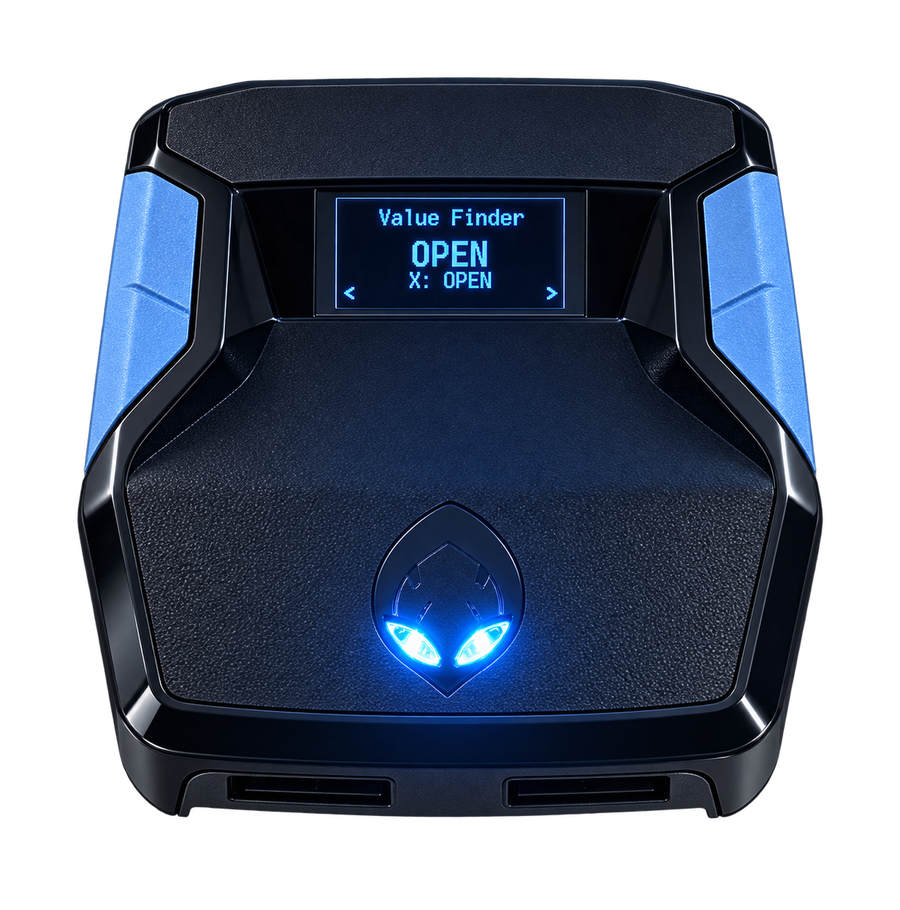
Test. Adjust. Save.Included with Rift V2
RECENT EMBERZENS COMMUNITY FEEDBACK
Real players. In their own words.
“Rift is the best script”
“yeah no joke ive tried all of them”
In the same conversation, Sonder recommends finding your own values in MyCOURT and says he also uses Button Tempo.
“the new update just made it better without messin wit it”
“Script fire with button just gotta figure out my auto green but this is better than Yew”
Shared with permission. These are individual experiences, not guaranteed results or an independent comparison test. Discord source links may require sign-in. Customer totals are supplied by EmberZens.